ESG/EFTP Finance
Public accounting, kept straight.
Financial and accounting platform for secondary, technical and vocational education institutions: standard chart of accounts, balanced ledger, public procurement, fixed assets, and ministry-level consolidation.
- Reference
- LF-2026-02
- Client
- Designed for the scope of the Ministry of Secondary, Technical and Vocational Education
- Sector
- Public finance · Education
- Period
- 2026
- Technologies
- Next.js · React · TypeScript · Tailwind CSS · PostgreSQL · Prisma · Vercel
- segregated roles
- 4segregated roles
- business modules
- 11business modules
- balanced ledger
- Σbalanced ledger
- native currency
- FCFAnative currency
Context
A public secondary school manages cash desks, suppliers, procurement contracts, assets and a budget — that is, full public accounting, usually kept on paper registers and spreadsheets. The supervising ministry has no consolidated view and discovers imbalances after the fact. The application was designed for exactly this scope: the network of secondary, technical and vocational education institutions.
Challenge
A management tool for the State cannot simply add up expenses. It must reflect the applicable accounting standard, guarantee that entries balance, trace every commitment through to its supplier and contract, and prevent an accountant from seeing what is not theirs to see. It must also stay usable by staff whose job is not to learn software.
Response
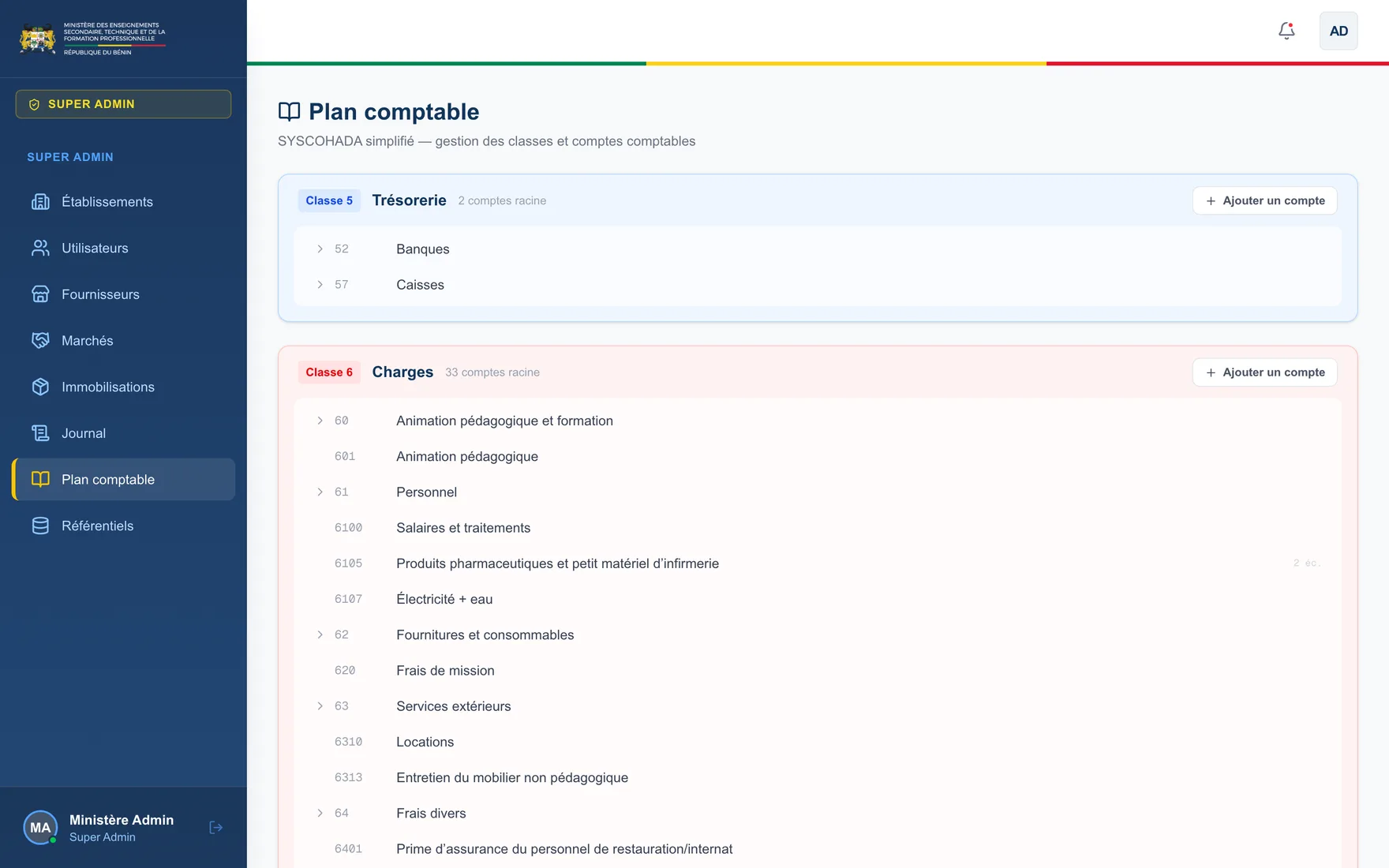
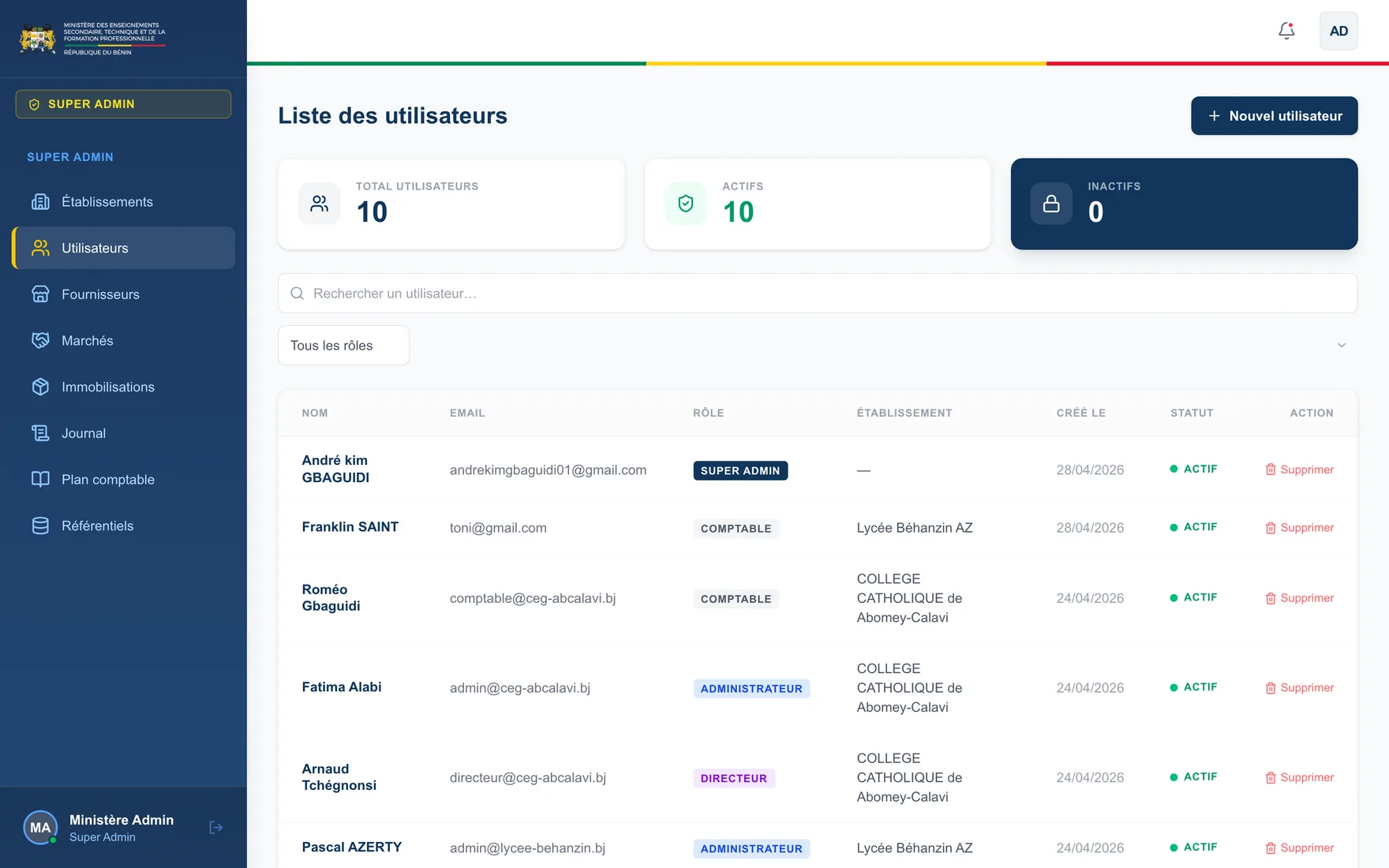
The application is structured around the chart of accounts: expenses in class 6, revenue in class 7, cash in class 5. Every committed expense generates its entries, and the ledger permanently displays the balance check — sum of debits equals sum of credits. The financial statement computes the year's result and immediately flags any budget imbalance with its exact amount. Four roles segregate access: the ministry consolidates and administers the network, the institution manages its users, the head of institution consults, the accountant records. Excel and CSV exports allow the data to re-enter existing circuits.
Capabilities
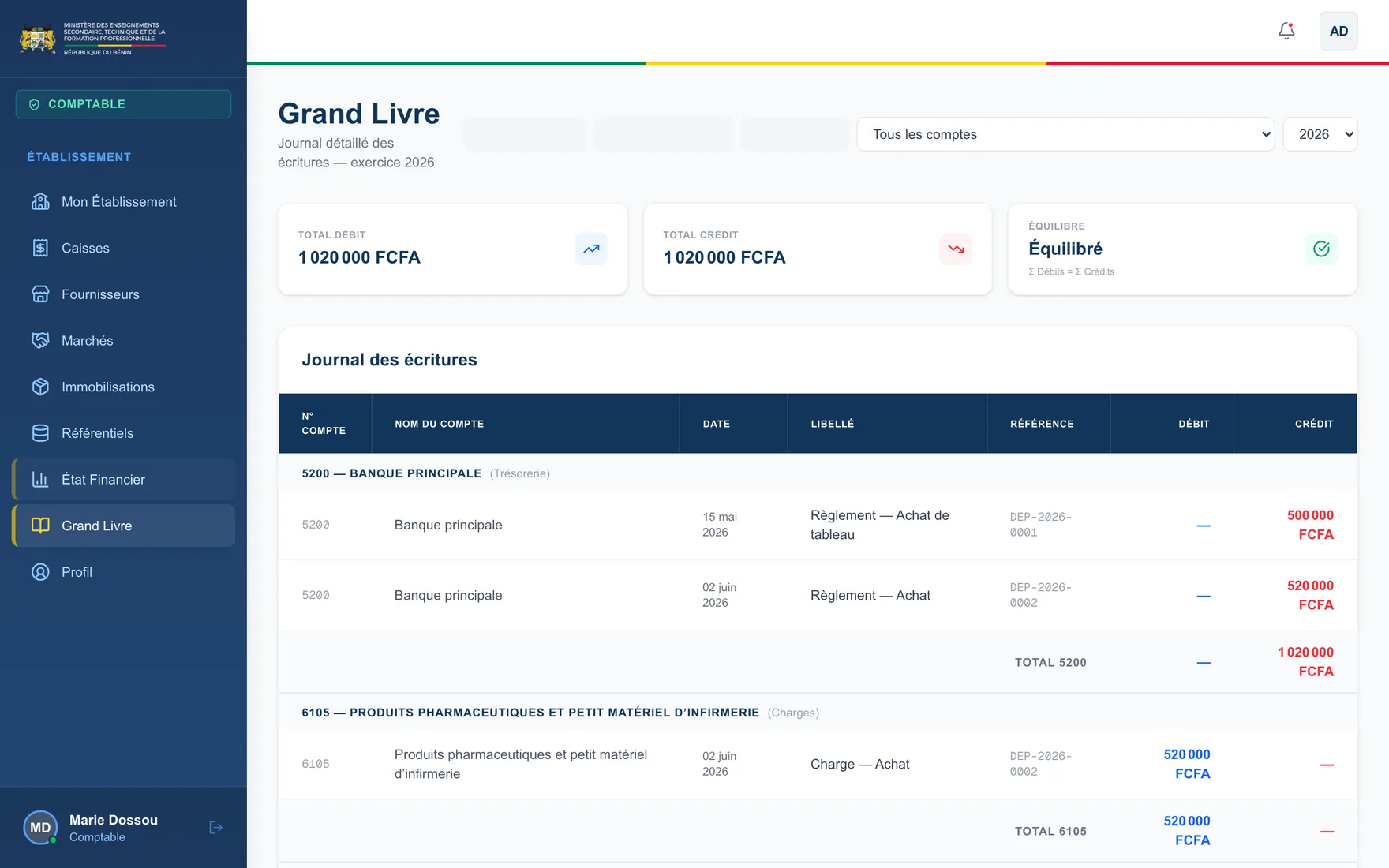
Ledger with balance check
Entries are grouped by account with debit and credit subtotals. A permanent indicator certifies that Σ debits = Σ credits. A misalignment is visible before closing, not after.
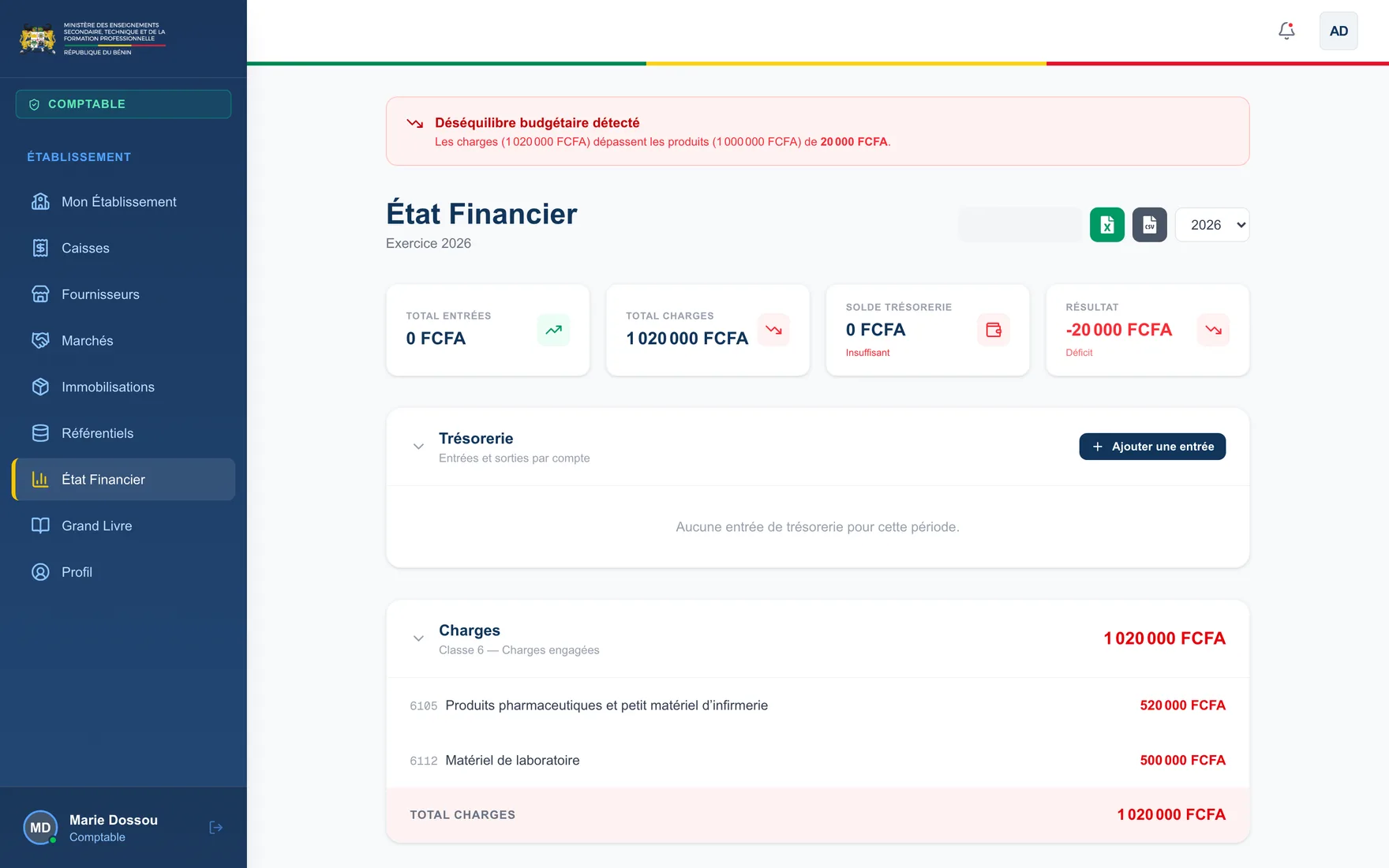
Financial statement and imbalance alert
Total inflows, total expenses, cash balance and the year's result. When expenses exceed revenue, the gap is announced at the top of the page, to the exact franc.
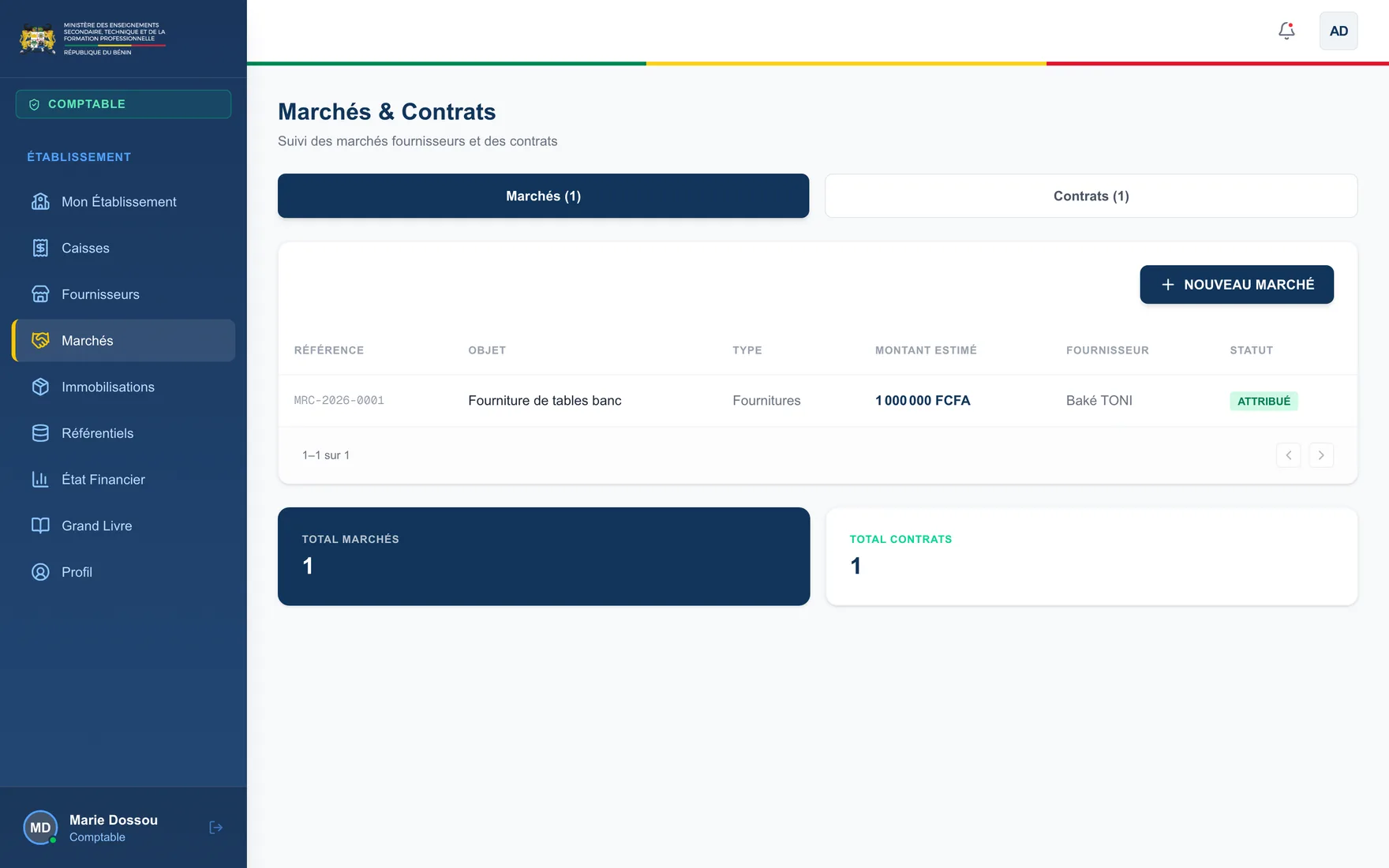
Public procurement and contracts
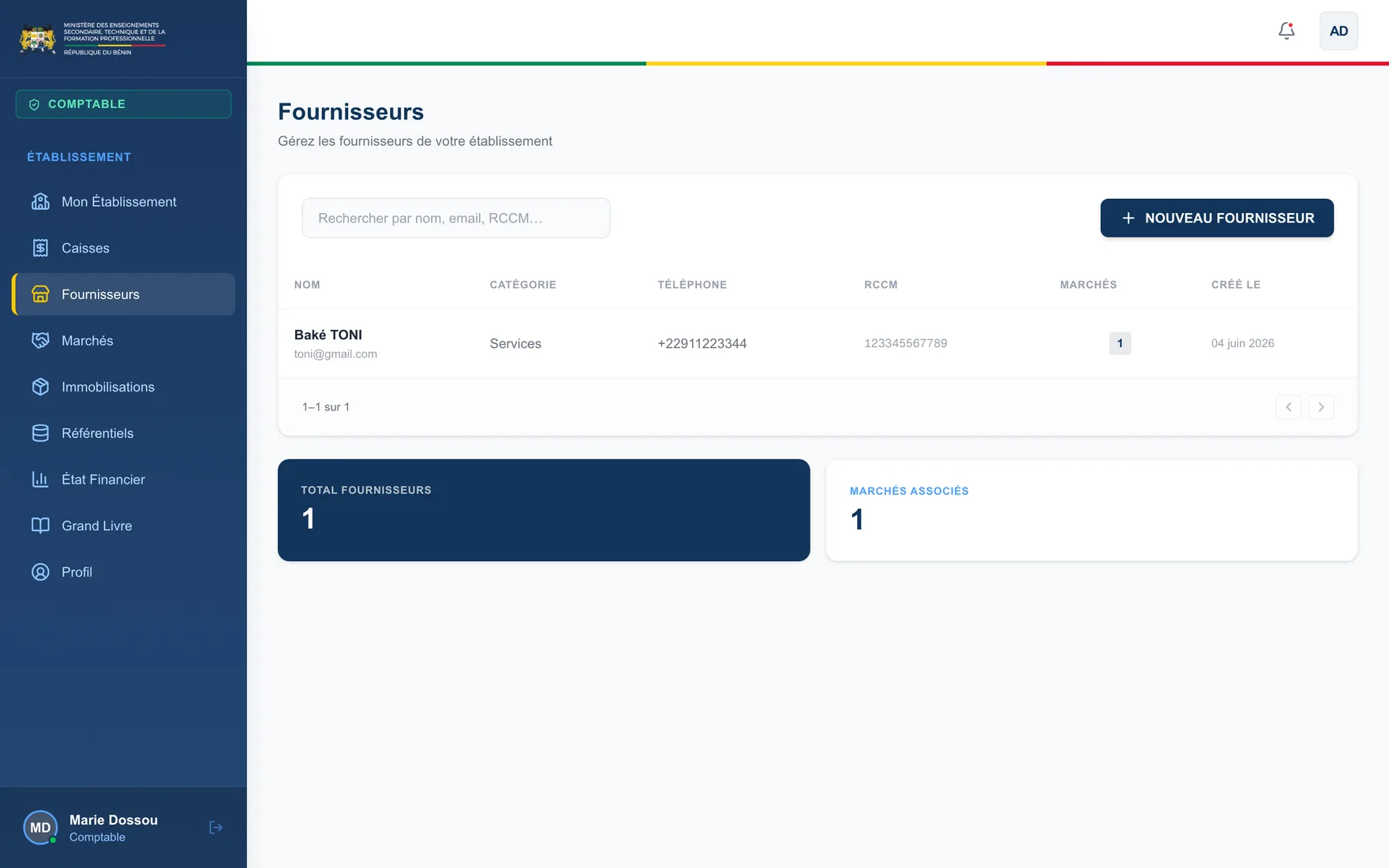
Every contract carries a reference, a subject, a type (supplies, services, works), an estimated amount, an awarded supplier and a status. Suppliers are registered with their trade-register number and linked to their contracts.
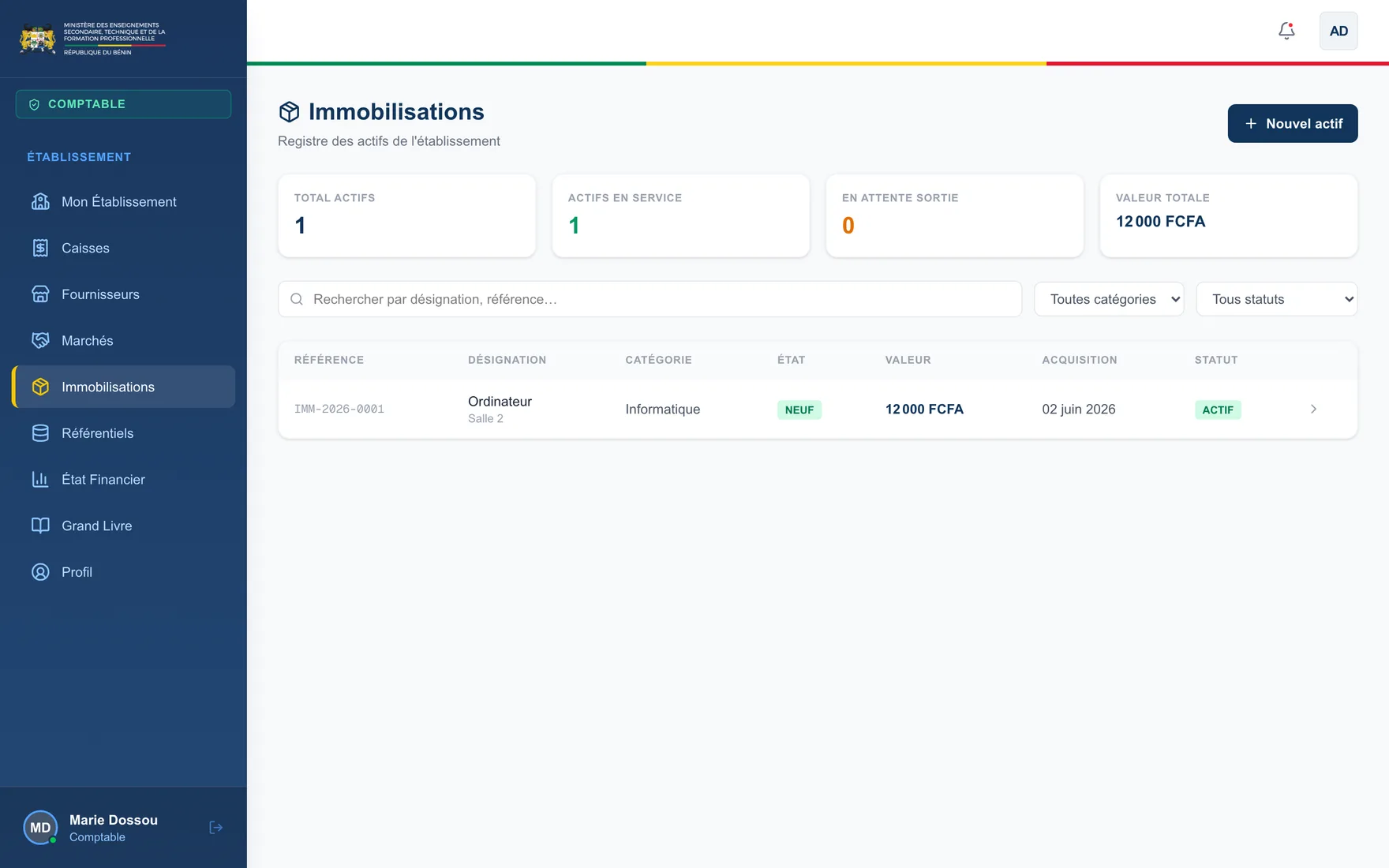
Fixed asset register
Asset inventory by category — IT, furniture, equipment, vehicles, infrastructure — with condition, value, acquisition date, location and disposal or transfer cycle.
Ministry-level consolidation
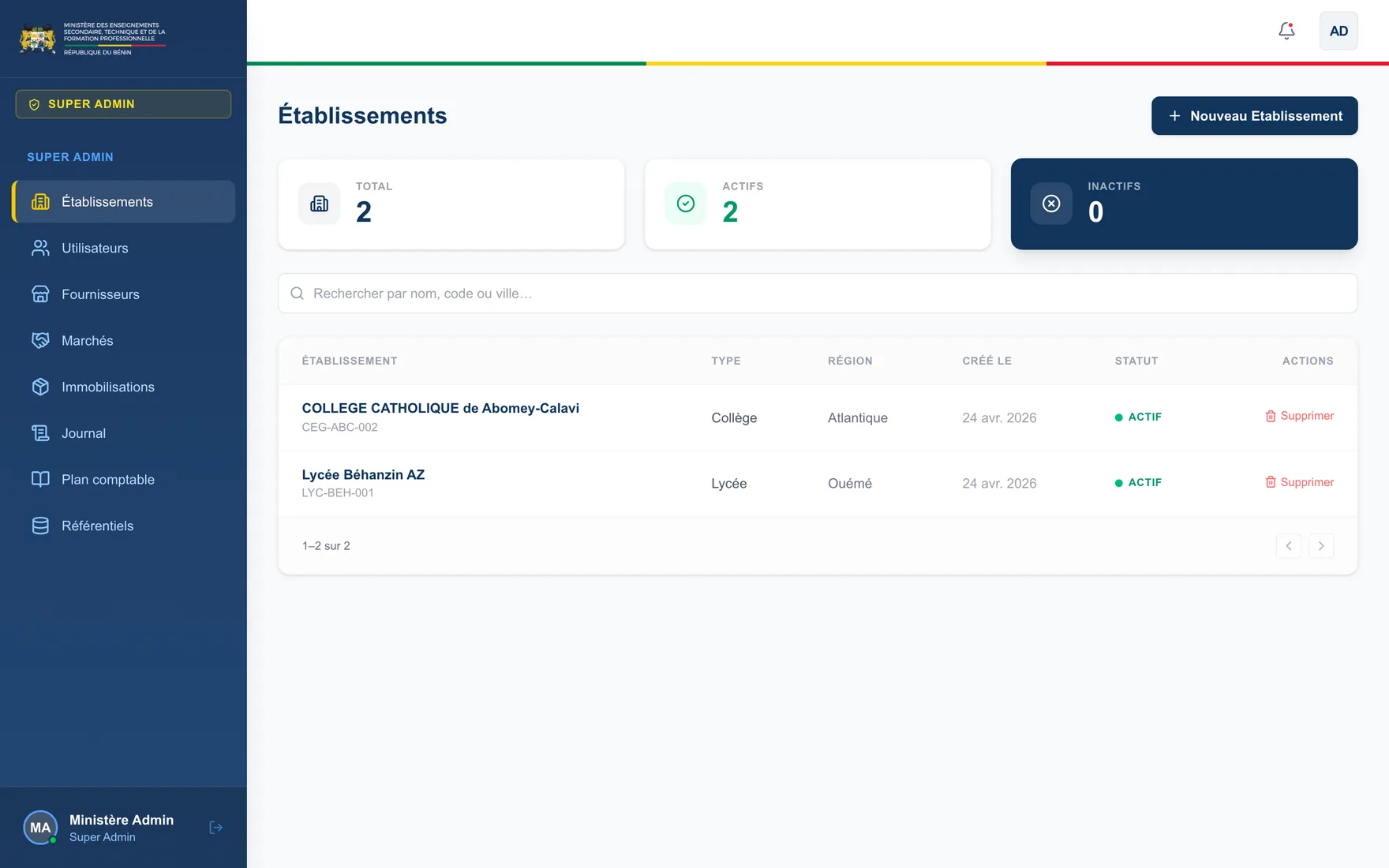
The super administrator sees the network: active and inactive institutions, users, suppliers, contracts and assets in aggregate, with the reference chart of accounts shared by all.
Locked reference data
Expense categories, contract types and payment methods are fixed in the application and marked read-only. State nomenclatures are not edited from a user interface.
Roles
Super administrator — ministry
Creates and administers the network's institutions, manages accounts, reviews consolidated suppliers, contracts, assets and journal, and owns the reference chart of accounts.
Institution administrator
Manages users and settings for their own institution, with no access to other institutions in the network.
Head of institution
Reviews the financial position, contracts and assets of their institution. A steering view, without accounting entry.
Accountant
Runs the cash desks, records expenses and revenue, manages suppliers, contracts and assets, and produces the financial statement and ledger.
In operation
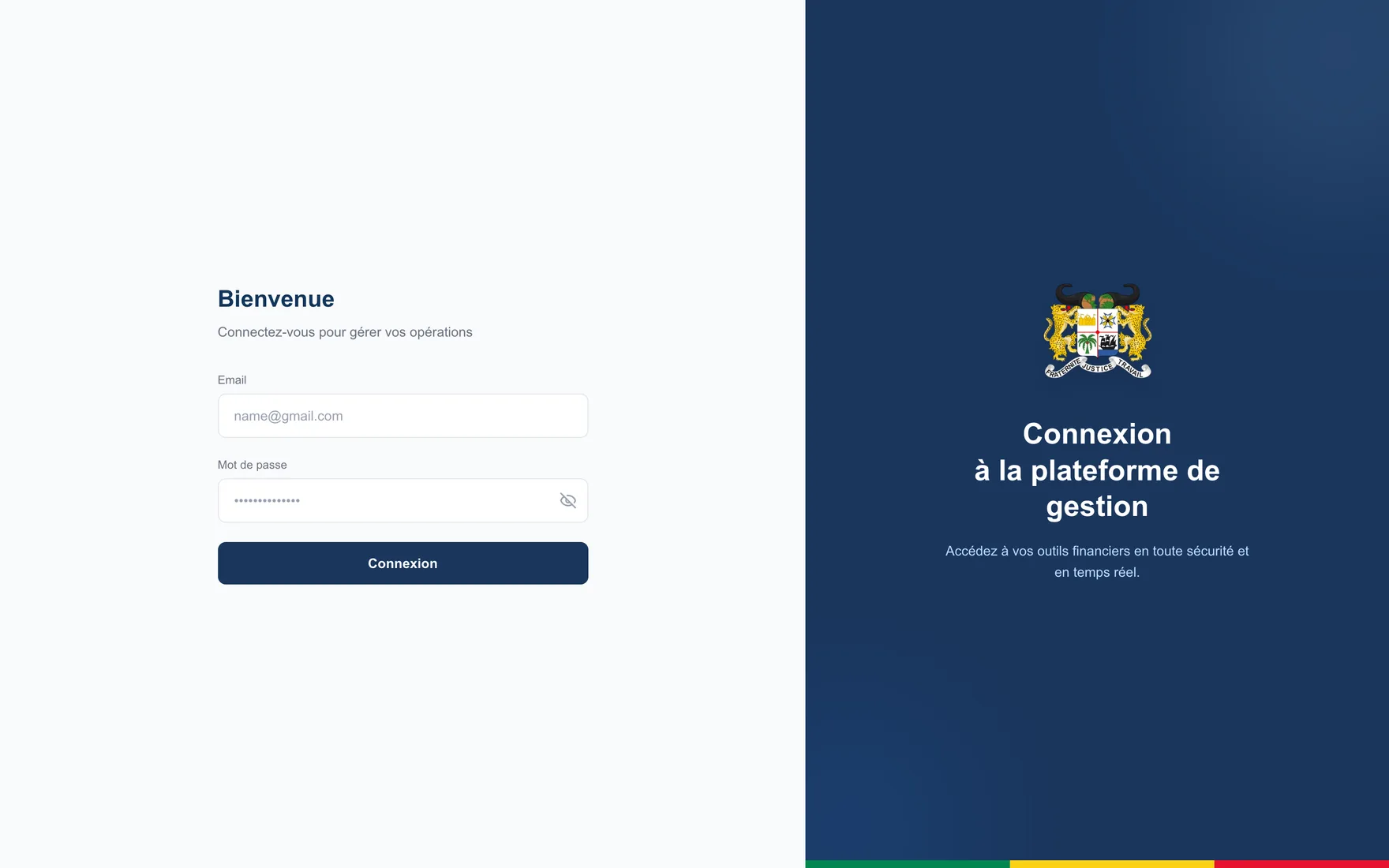
Screenshots taken from the real application.
Outcomes
- Accounting compliant with the chart of accounts, kept by non-specialist staff.
- Budget imbalance detected during the year, no longer after closing.
- The supplier → contract → expense → entry → asset chain, traced end to end.
- A consolidated view of the institution network, available at ministry level.
Demonstration access
A full demonstration environment, seeded with fictitious data, is opened on request — all four roles, every module. We create a named, time-limited account.
Answered within two business days.